
DUO / ONE TAKE0:12
AI RAP VIDEO GENERATOR
AI Rap Video
Generator
Turn your photos and a topic into a 5–15-second rap video for a birthday, a shared joke or a personal win. Go solo or perform with a friend, with vocals and music generated together.
A photo-to-AI-rap video on AIRapVideo (https://rapvideoai.site) turns authorized adult photos and a short topic into a 5-, 10-, or 15-second rap performance, with vocals and a beat generated together. Choose Solo (one portrait) or Duo (two separate portraits). You do not record vocals, upload a song, or supply exact lyrics — the topic is creative direction, not a word-for-word script. Artist-specific voices and voice cloning are not offered.
▶ Watch with soundTHE SPOTLIGHT IS YOURS ✳
✦A little personality.
A whole new performance.
A whole new performance.
 STREET ENERGY ↗
YOUR PHOTOS✳YOUR TOPIC✳GENERATED SOUND✳ONE TAKE OR SHORT MUSIC VIDEO✳YOUR NEXT VERSE
01 / THE PERFORMANCE WALL
Choose your setting.
Hear the rhythm.
One mic. A city rooftop. A street after dark.
Watch these clips for performance ideas.
SOLO / STREET0:12
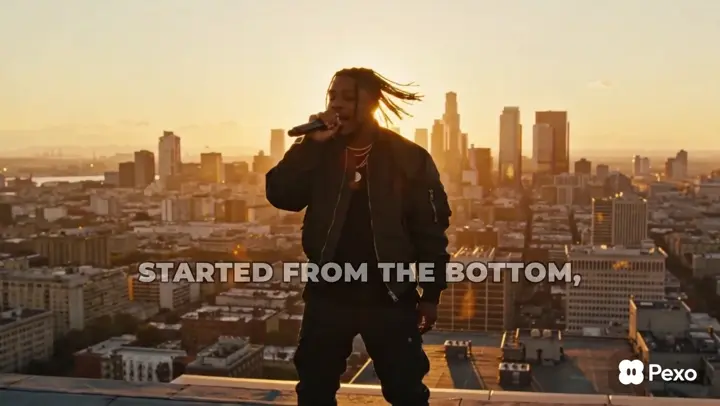
SOLO / ROOFTOP0:14
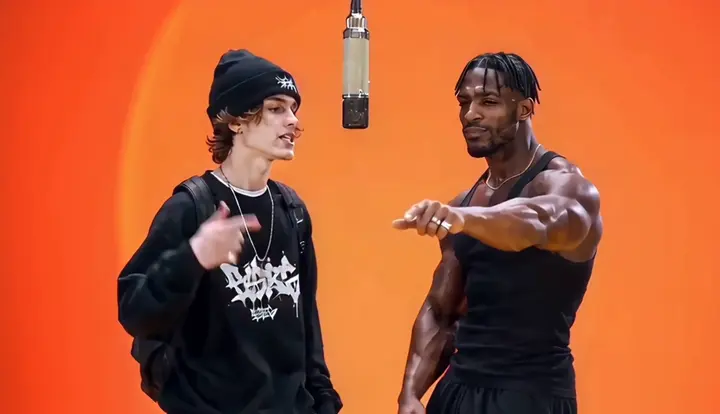
DUO / STUDIO0:10
These performance clips were supplied for inspiration and were not generated by AIRapVideo. Create a new video with your own photos and topic.
02 / FROM PHOTO TO PERFORMANCE
Bring the faces.
Give the rap a story.
A camera roll, a little imagination, and a topic.
Keep the idea personal. Let the performance follow.
01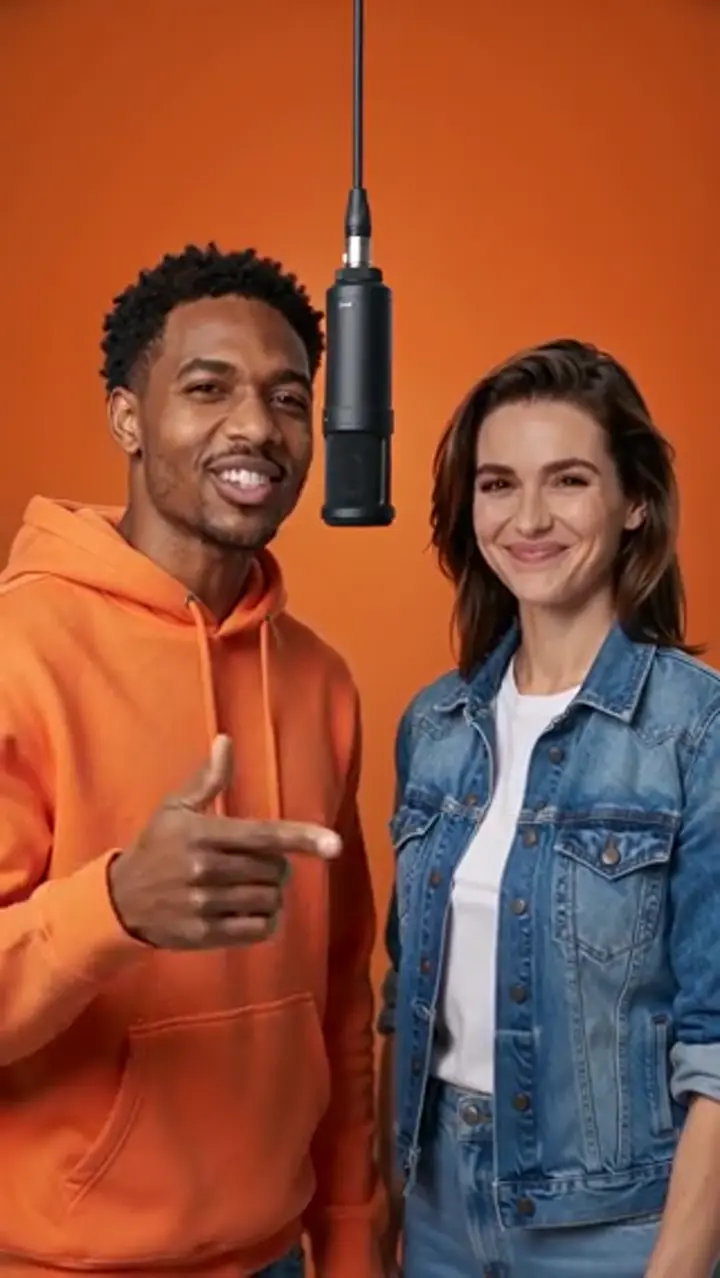
 +SOLO / DUO
Add your people.
Sign in, then upload one clear adult portrait per performer. Use photos with permission for the AI performance.
02
YOUR TOPIC ✦
A birthday rap for Alex,
who says “five minutes”
and arrives an hour later.
Make it personal.
Add a topic, choose your scene and language, then pick the duration and performance style.
Review. Create. Keep.
Confirm the credit cost. Follow your saved task, then play and download the MP4 when ready.
ONE MIC. YOUR KIND OF ENERGY.
A solo spotlight.
Or your favorite duo.
Celebrate yourself, trade playful lines with a friend,
or give a shared memory a new rhythm.
♩01
Solo
One photo. Your moment on the mic.
♬02
Duo
Two separate portraits. A shared performance.
SAME DURATION. SAME CREDIT COST. DIFFERENT ENERGY.
03 / SET THE SCENE
Your story.
A different backdrop.
One take
One continuous performance with scene-led camera movement. No planned cuts.
Short music video
Scene-led camera plans at 10 / 15 seconds. One continuous shot at 5 seconds. Cuts and timing may vary.
Scene visuals are references. Your photos guide the cast; generated results and camera timing can vary.
04 / START WITH A LITTLE SOMETHING
Everyday moments.
Unexpected verses.
You don’t need a whole song idea.
One person, one occasion, one funny detail.
05 / PRICING
Choose your credits.
Make your next take.
One-time credit packs. No subscription.
View availability and final payment details on Pricing.
USD $6.90
100 credits
12-month credit validity
View pack & payment options ↗USD $9.90
300 credits
12-month credit validity
View pack & payment options ↗USD $24.90
900 credits
12-month credit validity
View pack & payment options ↗Generation: 5s / 34 credits · 10s / 67 credits · 15s / 100 credits. Final price and applicable tax are shown on Pricing before payment.
A NEW PERFORMANCE, NOT A SONG REPLICA.
Your topic guides it.
AI performs it.
✓
Photos + a topic → a new short performance with generated sound.
↗
Choose solo or duo, a scene, language, duration and frame.
×
No uploaded songs, exact lyrics, artist-specific voices or full-song MV.
Likeness, pronunciation, words and lip synchronization can vary. Listen and review before sharing.
How to make your video
- Sign in, then choose Solo or Duo. Upload one clear, well-lit adult portrait per performer (JPG, PNG, or WebP; up to 10 MiB; at least 256 × 256 px and up to 20 MP). Confirm permission for the synthetic performance, not only permission to upload the photo.
- Write one short topic — for example a birthday, a shared joke, or a personal win — up to 500 characters. For a 5-second clip, keep it to one simple idea.
- Choose a scene, language, frame, duration (5, 10, or 15 seconds), and either One take or Short music video. Review the credit quote: 34 credits for 5 seconds, 67 for 10 seconds, or 100 for 15 seconds at 768P. Solo and duo use the same duration-based price. Choosing settings on the homepage does not generate or charge for a video.
- Confirm generation in Studio when you are ready. Follow the saved task in My videos, then play the MP4 with sound and check the faces, wording, pronunciation, and mouth movement before sharing. Likeness, lyrics, and lip sync can vary.
About this product
AIRapVideo at rapvideoai.site is a photo-and-topic rap generator. It is not the ClipTools AI Rap Video studio at https://cliptoolsai.app/ai-rap-video, which starts from original lyrics (a portrait is optional) and is priced on that site at 2 credits per second.
This product also does not recreate the original Hotel Lobby video. The Orange stage scene is a setting choice, not that recording, a face swap into its footage, or a guarantee of its choreography. If you want a silent two-photo orange-booth duet, that is a different workflow on ClipTools at https://cliptoolsai.app/hotel-lobby-ai.
What happens after I choose my settings on the homepage?
Sign in, then select your photos, write a topic and choose your settings on the homepage or in Studio. Your selected photos and topic stay in sync on this browser. Studio automatically saves photos selected on the homepage to your account. Wait for “Photo saved”, then review your settings and credit quote. If saving fails, retry the photo before continuing. Confirm generation when you are ready; choosing settings on the homepage does not generate or charge for a video. Play and download the saved MP4 when it is ready.
Do I need to upload or record a song?
No recording is needed. The model generates vocals and music alongside the video; you do not select a specific beat or original recording. You cannot upload your own song in this version.
Can two people appear together?
Yes. Choose Duo and add two separate portraits, one adult in each photo. The photos guide the two performers; appearance and turn-taking can vary in the generated result.
Can I choose the exact lyrics or voice?
Your topic supplies creative direction rather than a word-for-word script. Exact supplied lyrics, artist-specific voices and voice cloning are not offered in this version. The generated voice is not a recording of the person in the photo.
Does this recreate the original Hotel Lobby video?
No. AIRapVideo generates a new short performance. The Orange stage scene is a setting choice, not the original Hotel Lobby recording, a face swap into its footage or a guarantee of its choreography.
What video settings can I choose?
Studio offers 5, 10 or 15 seconds at 768P, with portrait 9:16, landscape 16:9 or square 1:1 framing. English, Mandarin Chinese, Spanish and Japanese are selectable performance languages. These settings guide generation; output quality and pronunciation can vary.
Will every word and mouth movement match?
The model is asked to coordinate the vocals and movement, but precise lip sync is not guaranteed. Play the finished video with sound and check the faces, language and wording before sharing.
Is it free, and how many credits will I need?
Creating a video uses credits: 34 for 5 seconds, 67 for 10 seconds or 100 for 15 seconds at 768P. Solo and duo cost the same. Review the current quote before confirming, and see Pricing for available packs and checkout status.
How long will my video take?
Processing and saving times can vary. Follow the existing task in My videos. If a submission or delivery is unresolved, check that task before starting another generation.
Are uploads and results published automatically?
No. Your photo library and saved videos require account access. Confirming generation sends the required inputs to MiniMax for processing. Temporary media links can be used by anyone holding them until expiry. See the applicable privacy notice for handling and retention details.
What happens if a task fails?
A confirmed technical failure returns eligible credits once against the original charge, subject to their original validity and any revoked purchase entitlement. This is not a cash refund. Delivery recovery uses the existing result; unresolved tasks may need review. See the applicable refund terms for purchase refunds.
How much do the credit packs cost?
The homepage lists one-time credit packs with no subscription: USD $6.90 for 100 credits, $9.90 for 300 credits, and $24.90 for 900 credits. Purchased credits are valid for 12 calendar months from verified payment. Final price and applicable tax are shown on the Pricing page before payment. The Pricing page also loads payment availability dynamically, so use the checkout total shown there at payment time.
How do I contact support?
Email support@rapvideoai.site. Include the task or order reference and a short description of what happened. Do not send passwords, verification links, API keys or payment card details.
What is a photo-to-AI-rap video?
On this site, it is a short rap video generated from authorized adult photos and a topic, with new vocals and a beat. You can make a 5-, 10-, or 15-second clip as a solo or as a duo from two separate portraits. You do not upload a song or type exact lyrics.
Is this the same as the ClipTools AI rap studio?
No. AIRapVideo at rapvideoai.site starts from photos and a topic. The ClipTools AI Rap Video studio is a separate product that starts from original lyrics. Use this site if you want a photo-to-rap workflow with generated vocals and a beat.
YOUR NEXT VERSE STARTS HERE.